AI music video generators: how they work and what to expect
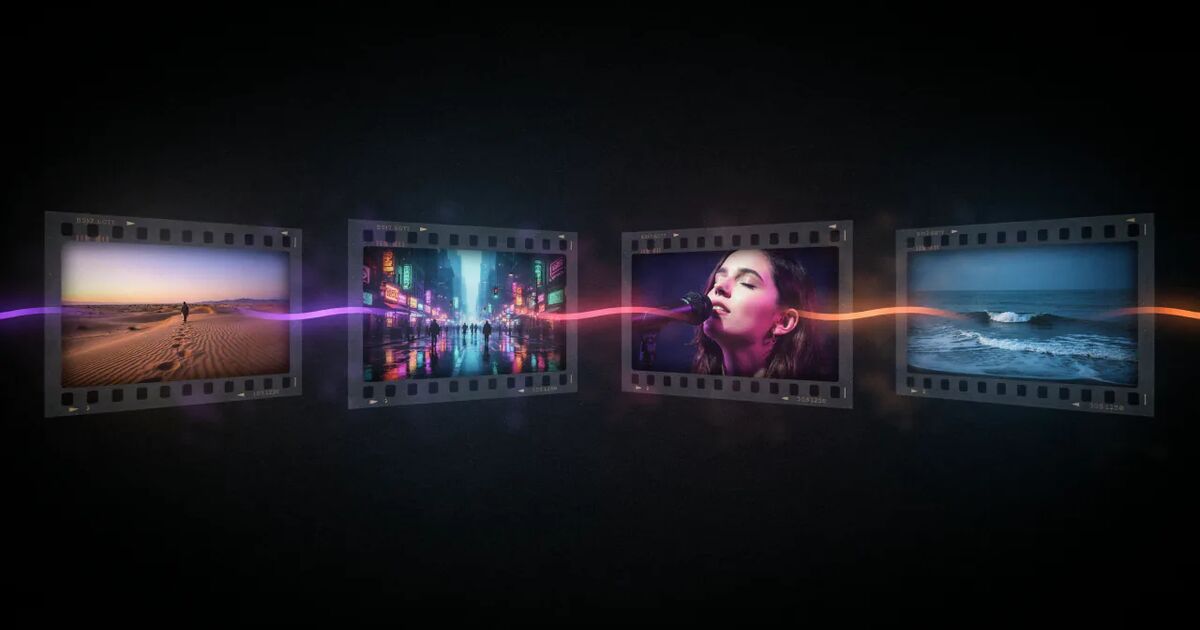
An AI music video generator takes your song as an audio file and produces a video for it: it transcribes the lyrics, finds the beats, plans scenes, generates images and video shots with AI models and cuts them to the music. The results depend less on the brand of tool than on four things — whether the scenes follow the lyrics, whether the main character stays the same, whether cuts land on the beat and whether singing shots are lip-synced. Before paying, check the full-song length, the export resolution and watermark, the pricing model and who owns the result.
"AI music video generator" covers very different tools: audio-reactive visualizers, text-to-video clip makers, lyric video templates and full-song music video tools. This guide explains what actually happens when you upload a song, which parts decide quality, what to expect on cost and limits, and how to check whether a tool fits your song before you pay.
What happens when you upload a song
A full-song AI music video tool runs through roughly the same pipeline:
- Audio analysis. The track is analysed for tempo, beats and sections (intro, verse, chorus, bridge).
- Lyric transcription. A speech recognition model transcribes the vocal with timing, ideally word by word, so lyrics can appear exactly when they are sung.
- Scene planning. A language model reads the lyrics and your description and plans what each scene shows. Good tools plan one scene per lyric line, so the pictures follow the words.
- Character design. The main character is defined once, so it can be reused across scenes.
- Image generation. An image model creates a still for each scene.
- Video generation. A video model animates each still into a short shot — camera moves, people moving, weather, light.
- Lip-sync (optional). For performance shots, the lead vocal is separated from the mix and used to drive the singer's mouth.
- Edit and render. Shots are cut to the beat, lyrics are placed on screen and the video is rendered at the target aspect ratio.
Each step can be done well or badly, and each one is visible in the final video.
The four things that decide quality
Do the scenes follow the lyrics?
The most common complaint about AI music videos is that the pictures ignore the words — a random sequence of beautiful clips. Planning a scene per lyric line from a word-level transcript fixes this. When the line changes, the picture changes, and what is on screen relates to what is being sung.
Does the main character stay the same?
AI models do not remember faces between generations. Without a deliberate system, the singer changes in every shot. Look for tools that lock a main character across all scenes, and check whether you can be that character yourself — in Clipbeat, one clear photo of your face is enough. Our guide on keeping the same character across AI video scenes explains the technique.
Do the cuts land on the beat?
Cuts that ignore the rhythm feel amateurish even when every shot is beautiful. Beat detection lines scene changes up with the track.
Is the singing lip-synced?
A performer whose mouth moves at random breaks the illusion. Real lip-sync, driven by the isolated vocal, makes performance shots believable. See how to make a lip-sync music video with AI.
Types of AI music video tools
| Type | What it makes | Best for |
|---|---|---|
| Audio-reactive visualizers | Abstract visuals that pulse with the sound | Electronic and instrumental tracks |
| Text-to-video clip generators | Short clips from prompts, assembled by you | Creators who want full control and will edit |
| Lyric video templates | Animated text over backgrounds | Fast lyric videos |
| Full-song music video tools | A complete video from the song file | Musicians who want a finished video without editing |
Clipbeat is a full-song tool with an editor attached. Our Clipbeat alternatives article looks at when another type of tool is the better choice, and our ranked list of AI music video generators scores fourteen named tools — pricing, lip-sync, whole-song length, using your own face and lyrics on screen — from their official sites, last checked on 15 November 2026.
What it costs
Pricing models vary: subscriptions with monthly credits, pay-per-video, credit packs, or no-cost tiers with watermarks. Things to check:
- Is there a subscription? Many tools bill monthly. If you release a song every couple of months, a one-time payment may cost less.
- Is the full song included? Some tools limit length on cheaper plans or charge per second of video.
- What do re-generations cost? You will want to replace some shots.
- Is export watermarked or limited in resolution? Check what you get at each price.
For reference, Clipbeat's model: uploading a song, the timed lyrics and writing the brief come before any payment; the first payment is a short lip-synced chorus preview with the $5 credit pack, and after it you see the lyric-matched scene plan. The full-song video is a one-time payment priced by song length — from $5 Standard (a scene for every line, karaoke lyrics, 1080p without a watermark, no lip-sync), $19 Plus (your singer lip-synced on the chorus) or $39 Premium (best image and motion models, extra quality checks, lip-sync on the singing shots across the song). You see the exact price for your song before you pay. Credit packs for the editor are one-time too, from $5. No subscription; payment is a secure card checkout that shows your local price.
Limits to know about
Honest expectations save frustration. Current AI music video tools, including Clipbeat, share some limits:
- Hands, text and fine details can still come out wrong in individual shots. Good tools check and replace bad shots; you may still want to swap one.
- Transcription is best on clear vocals. Heavily processed or buried vocals may need manual lyric fixes.
- Complex choreography and multi-person interaction are hard. Simple, strong actions work better.
- Real people need consent. Using someone's face or voice requires their permission; celebrities and public figures are off-limits on responsible tools.
- Generation takes time. A full song means dozens of AI generations. Expect to wait.
Rights and ownership
Two separate questions:
- The song. You need the rights to the music you upload. For AI-generated songs (Suno, Udio and others), the music tool's terms decide what you may publish or monetize, and they differ by plan.
- The video. Check the video tool's terms. In Clipbeat, the videos you create are yours, and you are responsible for the material you upload.
How to test a tool before paying
- Use your own song, not a demo track. Your genre and vocal style matter.
- Look at the plan first. A tool that shows you the storyboard before charging lets you judge whether it understood the song. Clipbeat shows it after a $5 chorus preview, before you pay for the video; try it with your song.
- Watch real full-length examples, not just highlight reels. Clipbeat's showcase has full-song videos with scene-by-scene making-of pages.
- Check the refund policy. At Clipbeat, a purchase can be refunded within 14 days only if nothing has been generated yet; once you generate anything, the purchase is non-refundable (including unused credits), and a delivered video is not refunded.
Frequently asked questions
Which AI music video generator is best?
It depends on how you work: subscription tools suit a video every week, one-time pricing suits a single release. Our ranked list compares fourteen tools with sources and a last-checked date.
How does an AI music video generator work?
It analyses your song for beats and lyrics, plans scenes, generates images and video shots with AI models, optionally lip-syncs the singing shots and cuts everything to the beat.
Can AI make a full music video from a song?
Yes. Full-song tools like Clipbeat plan a scene for every lyric line and render the whole song, with lyrics on screen and cuts on the beat.
Are AI music video generators cheap to start?
Some offer no-cost tiers with watermarks or limits. Clipbeat has no preview without paying: the first payment is the $5 chorus preview, the scene plan comes after it, and the full-song video starts at $5 one-time, priced by song length, with no subscription.
Can I monetize an AI-generated music video?
The video you make is yours, but you need the rights to the song. For AI-generated music, check the music tool's terms for your plan.
What makes an AI music video look professional?
Scenes that follow the lyrics, one consistent main character, cuts on the beat and real lip-sync on performance shots.
Turn your song into a music video
Upload your song, watch your chorus preview and check the lyric-matched scene plan. Your full video is one-time, from $5 — no subscription.
Start with your songUpload and plan free · $5 one-time for your video · no subscription